
Tell me what you are trying to build, fix, govern, prove, or launch, and I will point you to the public Folium page that fits. It uses public routes only, so do not send private data here.
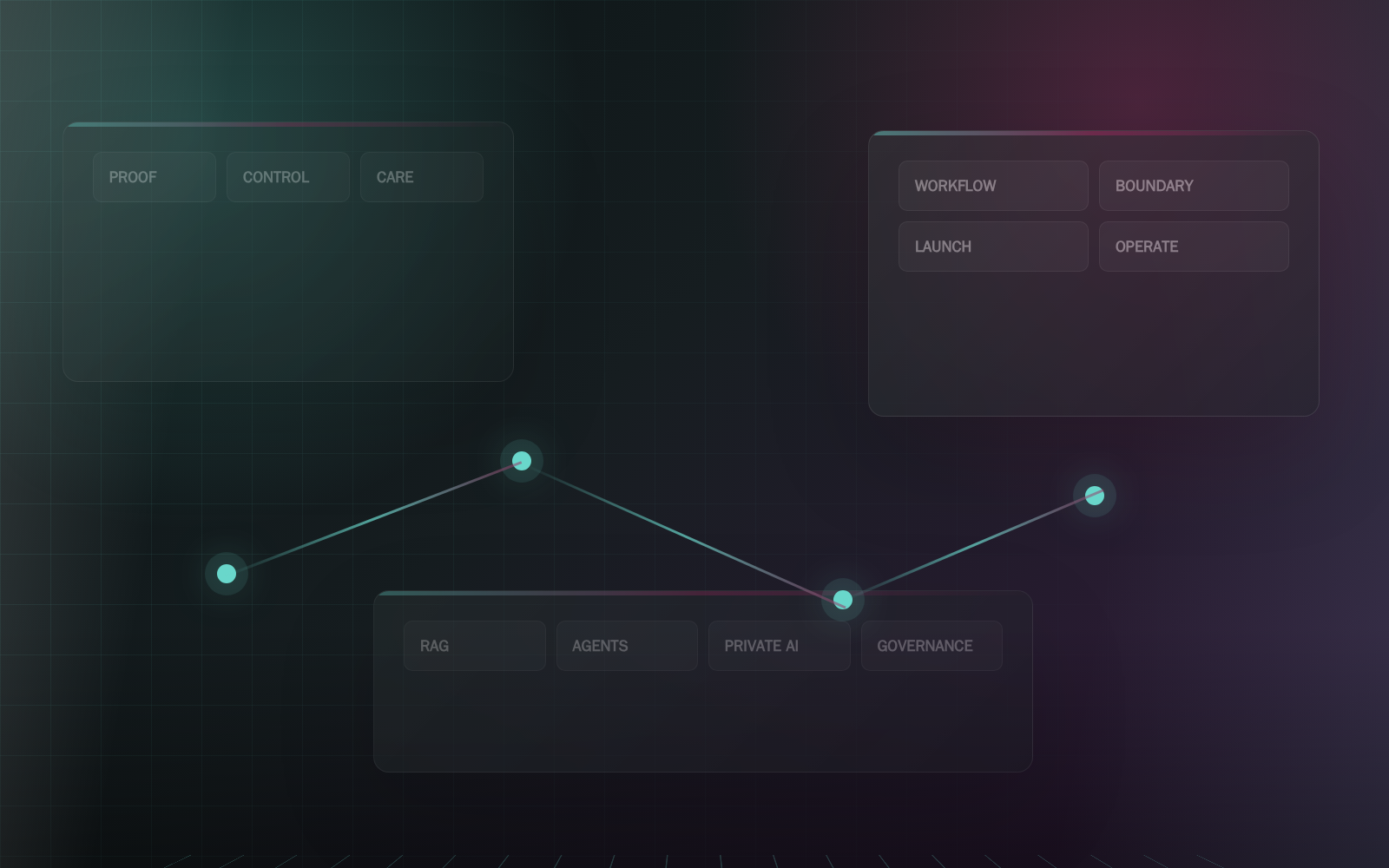
AI operations command deck
See the AI estate before it surprises you.
AI becomes an operating dependency when people rely on it every day. Folium helps teams build a command deck that makes AI health, routes, sources, cost, incidents, releases, ownership, and rollback visible before small issues become business confusion.
Operating comparison
Compare the narrow tool path with the Folium operating path.
This route can include models, retrieval, automation, or software, but the buyer outcome is broader: a controlled operating capability with human review, records, launch gates, and ownership.
| Operating question | Narrow tool path | Folium Systems path |
|---|---|---|
| What is being built? | A standalone tool, prompt, chatbot, connector, or single AI feature. | See the AI estate before it surprises you. as one service lane connected to workflow software, trusted knowledge, agents, APIs, governance, proof, and operating handoff. |
| How is control preserved? | Control is often added later through settings, policy notes, or manual cleanup. | Control is designed into source registers, permission maps, human gates, logs, blocked actions, recovery paths, and launch rooms. |
| How does the business know it is ready? | Readiness may depend on a demo, vendor promise, or isolated answer-quality check. | Readiness is proven through reviewable surfaces, scorecards, browser checks, known limits, support ownership, rollback triggers, and evidence records. |
Operating visibility
The business should not need to guess whether AI is healthy.
A command deck gives operators one place to inspect health, routes, sources, cost, incidents, releases, support ownership, rollback triggers, and the improvement backlog.
Healthy, degraded, blocked, parked, experimental, promoted, and rollback states are visible.
Model routes and agent fleets are monitored as operating services.
Incidents produce records, owners, repair actions, and release notes.
Operations charts
AI becomes valuable when it enters an operating rhythm.
A first win is fragile unless the business knows how it will be monitored, supported, improved, and governed after launch.
AI operations cadence
Folium treats AI like a living operational capability: reviewed, measured, improved, and supported instead of left alone after release.
- Daily Signal watch
Failures, handoffs, user friction, cost drift, source issues, and blocked actions.
- Weekly Review lane
Owner review, staff feedback, behavior notes, and support questions.
- Monthly Release rhythm
Source refresh, route changes, model updates, regression checks, and records.
- Quarterly Expansion gate
Decide whether to expand, pause, refactor, retrain, or retire a path.
Operating health signals
The useful operating dashboard shows whether AI stayed inside the business system: sources, owners, approvals, cost, incidents, and recovery.
What Folium Builds
Clear systems, reviewable records, and a path your team can operate.
One surface for operating truth
The command deck shows what is active, what is experimental, what is blocked, who owns it, and what record supports the next decision.
- System and workflow status
- Model route and agent fleet health
- Source freshness and dependency signals
- Incident, support, and escalation queue
- Cost, latency, usage, and spend safety
Release and rollback discipline
AI changes need records. Folium command decks include release notes, known limits, failed cases, reviewer approvals, rollback triggers, and improvement backlog.
- Prompt, model, retrieval, and tool release notes
- Failed-action and failed-case repair queue
- Rollback and degraded-mode triggers
- Support ownership and run notes
- Improvement backlog tied to evidence
Command deck diagram
The deck makes AI observable, supportable, and reviewable.
Folium command decks combine service status, route maps, fleet health, source freshness, incidents, spend, releases, and support paths.
- 01 Status board Display healthy, degraded, blocked, parked, experimental, promoted, and rollback states.
- 02 Route map Track which model, agent, trusted-knowledge path, API, or human owner handles each class of work.
- 03 Health cockpit Watch cost, latency, drift, source freshness, failed actions, incidents, and support queue.
- 04 Release room Record prompt, model, tool, source, integration, and workflow changes with reviewer notes.
- 05 Improve loop Turn incidents and feedback into backlog, evaluation cases, repairs, and next-stage gates.
Review Point
Operators can see what AI is doing and what needs attention.
Folium packages this as visible review material so owners, staff, and reviewers can decide whether to refine, launch, pause, or expand.
Review Point
Release changes and incidents become reviewable records.
Folium packages this as visible review material so owners, staff, and reviewers can decide whether to refine, launch, pause, or expand.
Review Point
Rollback triggers exist before a dependency breaks.
Folium packages this as visible review material so owners, staff, and reviewers can decide whether to refine, launch, pause, or expand.
Start here
Bring the next AI step under control.
You do not need to know every model name, runtime option, or integration path. Tell us what is slow, risky, expensive, confusing, or disconnected. We will help translate it into a practical AI systems plan.
- 01 Scope
- 02 Build
- 03 Prove
- 04 Operate